
Calculate Shift End Time After Work and Breaks
Enter the shift start, paid hours and unpaid break. The result adds both paid and unpaid duration to show when the worker can clock out and whether completion falls on the next day.
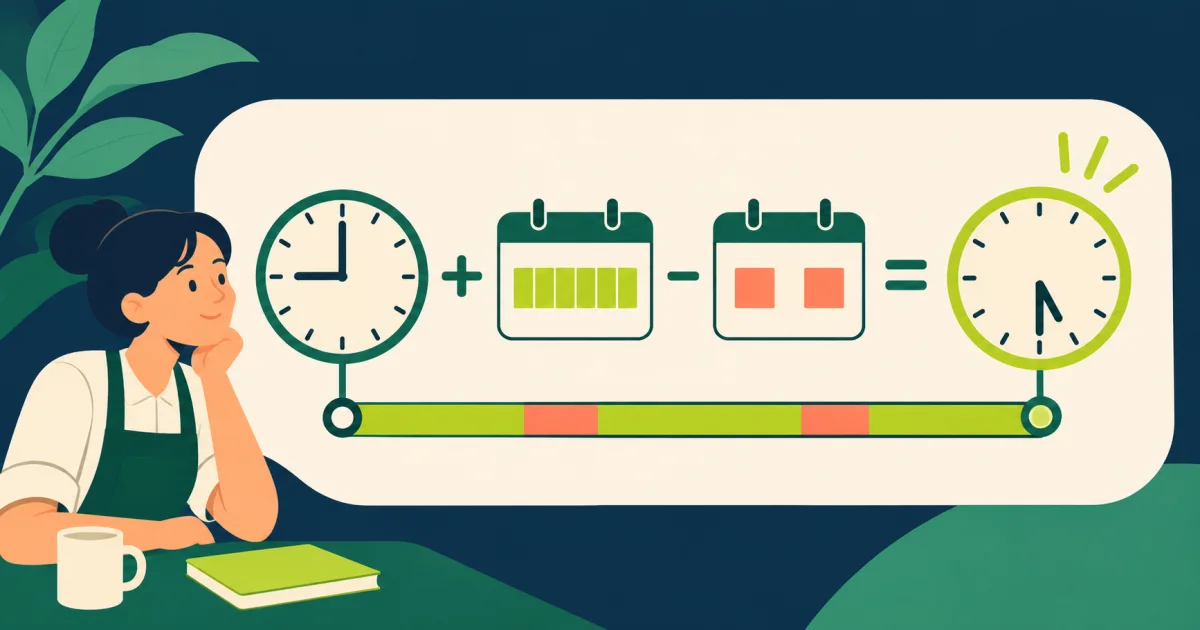
Find the clock-out time and completion day
18:00Expected clock-out time
- Total elapsed shift
- 9.0 hours
- Paid duration
- 480 minutes
- Completion day
- Same day
Start time plus paid duration plus unpaid break duration.
The tool does not decide whether a break is paid or whether time beyond the roster is overtime.
Plan a shift without losing break duration
Calculate a shift finish time from the start time, paid working duration and unpaid break, with overnight completion shown clearly.
Total completed hours with the work-hours calculator and value premium time through the overtime calculator.
Define paid duration and break treatment
Enter paid hours separately
Do not include an unpaid meal break inside the paid-duration input.
Mark overnight completion
The next-day label prevents a late shift from appearing to end before it begins.
- Calculation method
- Start time plus paid duration plus unpaid break duration.
- Best used for
- Planning rosters, checking expected clock-out time or comparing schedules.
- Keep outside the result
- Overtime entitlement, paid breaks, split shifts and roster changes.
Add every elapsed component
Clock-out time includes paid work and any unpaid break that keeps the employee at the shift location.
Treat midnight as a date change
An overnight result includes a next-day marker so time records remain attached to the correct calendar dates.
Compare planned and actual time
Use the planned result as a roster check, then keep actual clock records for payroll reconciliation.
Find the clock-out time and completion day in a worked example
The default example starts at 09:00 with eight paid hours and a 60-minute break. The finish time includes both paid work and an unpaid break because both consume elapsed clock time. The day marker distinguishes a same-day finish from completion after midnight. Compare this planned result with actual time records before using it for attendance or payroll questions.
- Shift start time
- 09:00
- Paid shift hours
- 8
- Unpaid break minutes
- 60
Expected clock-out time: 18:00
The tool does not decide whether a break is paid or whether time beyond the roster is overtime.
- Total elapsed shift
- 9.0 hours
- Paid duration
- 480 minutes
- Completion day
- Same day
Calculation rule: Start time plus paid duration plus unpaid break duration. Boundary: Overtime entitlement, paid breaks, split shifts and roster changes.
Shift end-time questions
Does an eight-hour shift end eight hours after starting?
Only when no additional unpaid break is added.
Can I enter a half-hour break?
Yes. Enter thirty break minutes.
Does this calculate shift pay?
No. It calculates time; use the appropriate wage tool for pay.
Use the finished schedule in a complete time record
Understand salary from contract to payslip and bank credit, with practical checks for earnings, deductions, corrections and payment records.